
CapView
A low-latency viewer and recorder for DirectShow capture cards on Windows. Built to be played on, not just watched.
One file, about 2 MB. No installer, nothing written to the registry.
A low-latency viewer and recorder for DirectShow capture cards on Windows. Built to be played on, not just watched.
One file, about 2 MB. No installer, nothing written to the registry.
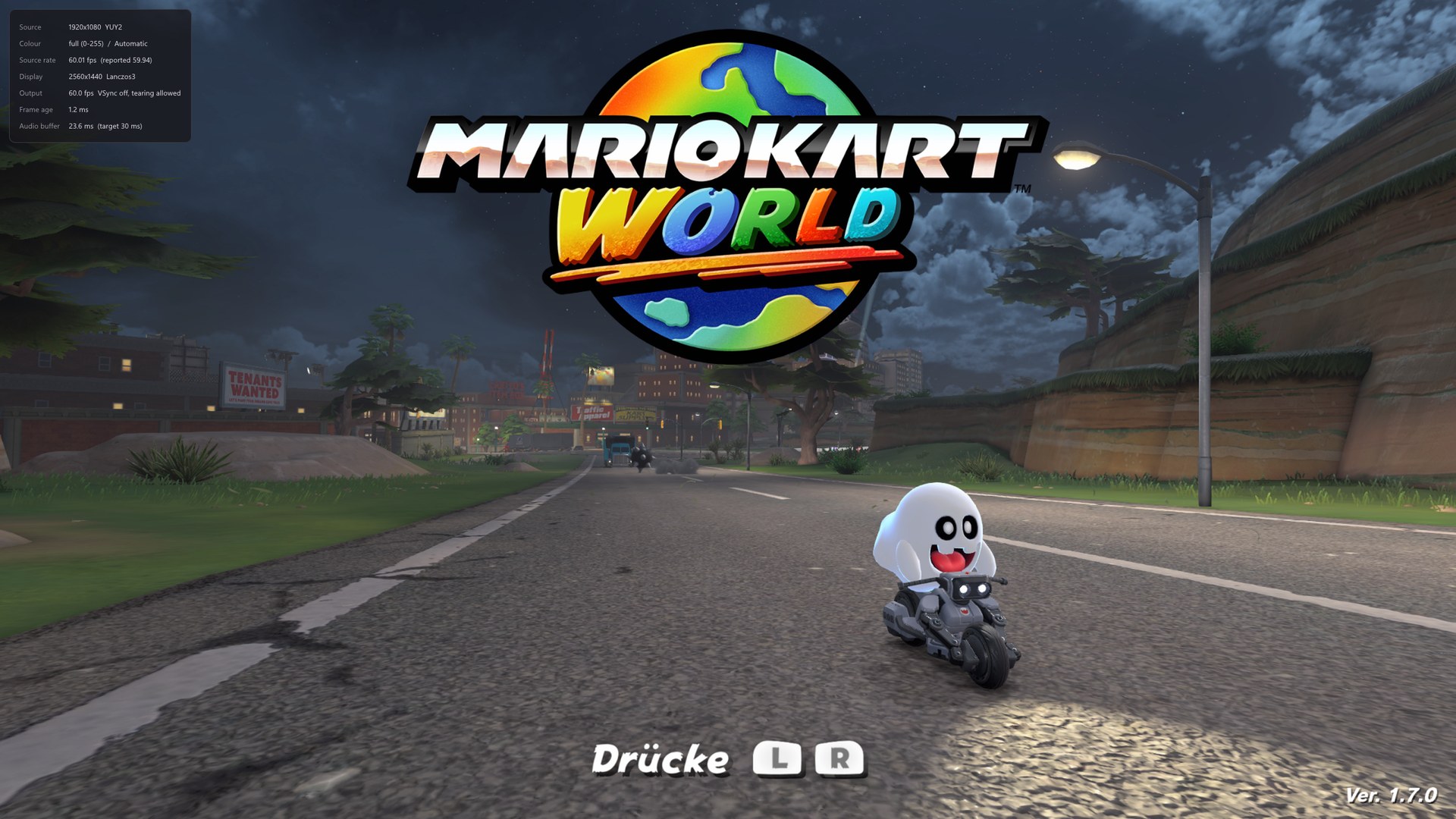
A capture card's picture normally arrives too late to play on. CapView takes the queue out of the path so the console on your desk behaves like a console on a television — while still recording, screenshotting and feeding a virtual camera.
Frames are copied into a triple buffer and the filter returns at once. Anything arriving faster than it can be shown is dropped, never buffered, so delay cannot accumulate.
The DirectShow graph runs without a reference clock, so nothing is held back waiting for a presentation time.
A flip-model swap chain with one frame of queue and VSync off by default — the single biggest lever there is.
YUY2, UYVY, NV12, planar 4:2:0, RGB and P010 are unpacked in a pixel shader. Nothing touches the CPU between arrival and drawing.
Composite carries colour and brightness on one wire and they leak into each other. Most viewers leave that alone. CapView removes it in real time, and the numbers behind every setting were measured on real hardware rather than guessed.

| Half | What it does | What it costs |
|---|---|---|
| Four-frame average | Cancels dot crawl wherever the picture stands still. Four, because the subcarrier walks a four-frame cycle — measured 1.91, 2.62, 1.90 and 0.78 at lags of one to four. | Nothing at all. |
| Synchronous demodulator | Reconstructs the subcarrier out of the brightness and subtracts it, so moving content is covered too. Removes 81 % of the pattern at a window of nine samples. | 17 % of horizontal sharpness. |
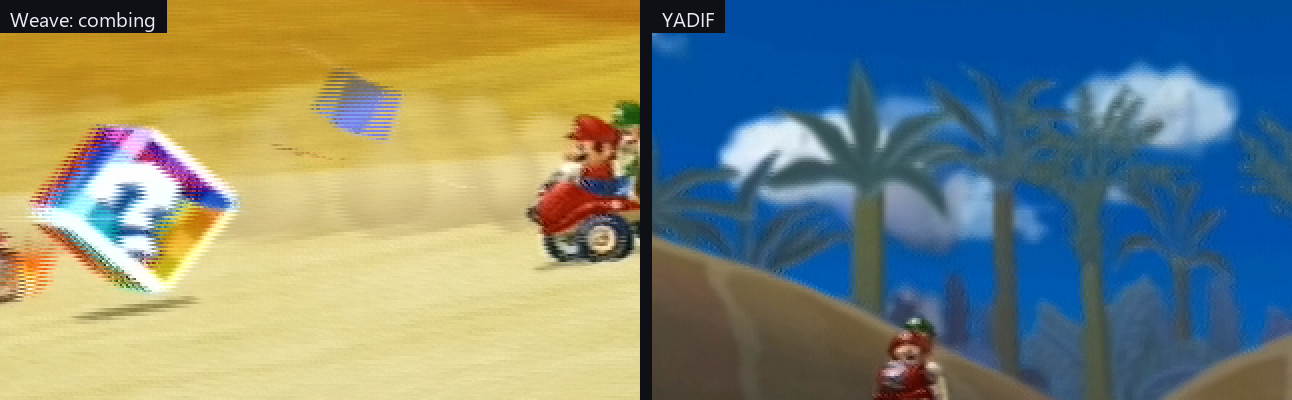
Whether a source is interlaced is measured from the picture, not read from the media type — a media type is entitled to say so and frequently does not.
H.264, H.265 or AV1 through NVENC, Quick Sync, AMF, x264 or x265. The audio is the master clock, so the output is constant frame rate and does not drift — measured at 1 ms over 15 seconds.
Rate control, preset, tuning, look-ahead, adaptive quantisation and multipass, under one set of names translated into each vendor's own.
Offer the picture to OBS, Discord or a browser at the source's own resolution and frame rate — and to anything that cannot take that, at whatever it asks for instead.
PQ and HLG are decoded to linear light, tone mapped with BT.2390 for an ordinary screen or passed through as scRGB for an HDR one.
PNG or JPEG at source resolution through Windows Imaging Component, so no ffmpeg is needed. JPEG XR keeps the HDR range and needs none either; AVIF does. A switch grabs the finished window instead, interface and all.
Device, input, capture format and every picture and audio setting, one per source, on Ctrl+1 to Ctrl+9.
Scenes, overlays, compositing and streaming are not here and are not planned. For those, use OBS — and note that a card grants its capture pin to one process at a time, so the two cannot hold the same card at once.
| Requirement | |
|---|---|
| Windows 10 or later | the virtual camera installs with one UAC prompt |
| A DirectShow capture device | almost every card, including USB ones |
| ffmpeg | for recording and AVIF screenshots, fetched by a button |